Creator Studio

A studio built for young makers, not an open publishing platform

The Creator Studio gives children real tools to make podcasts, shows, film, art, writing, games and inventions — with drafting, feedback and a guardian-approved publishing pipeline built into every project from the start.

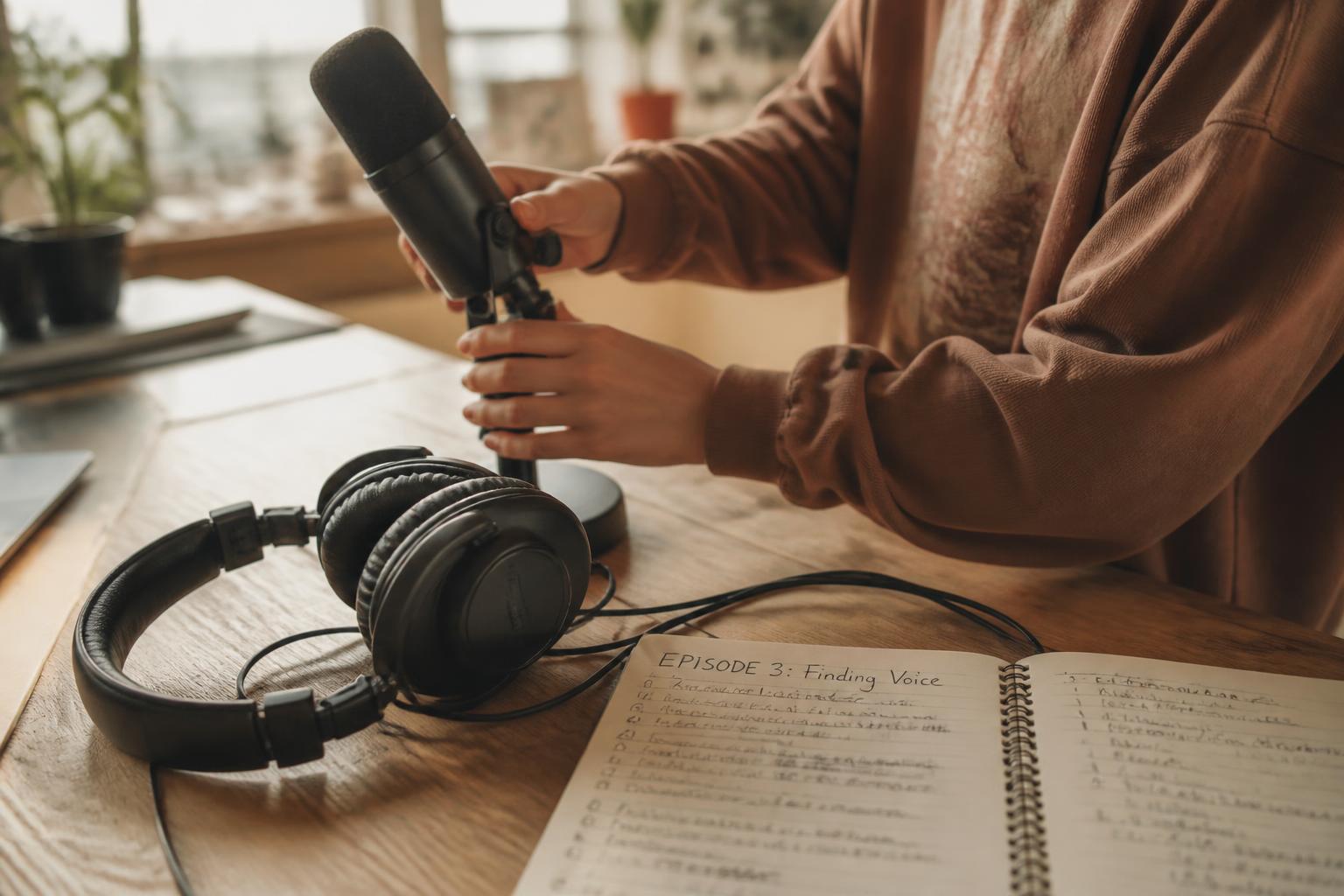
“Episode 3: Finding Voice.”

Illustrative example of the kind of episode plan a child might start from.

  • Microphone
  • Camera
  • Pencil
  • Notebook
  • Prototype
  • Controller

Six ways in

Room to make almost anything

The studio is not a single tool. It is a set of project categories that share the same safety rules, so a child can move between podcasting one week and prototyping an invention the next.

Hands setting up a podcast microphone beside a handwritten episode plan
Example · Podcast & show

Podcasts & shows

Plan an episode, record audio or video, edit a running order and build a series over time.

Example project flow: Idea: "Episode 3, finding my voice" → Draft running order → Record & edit → Family feedback → Guardian approval to share.
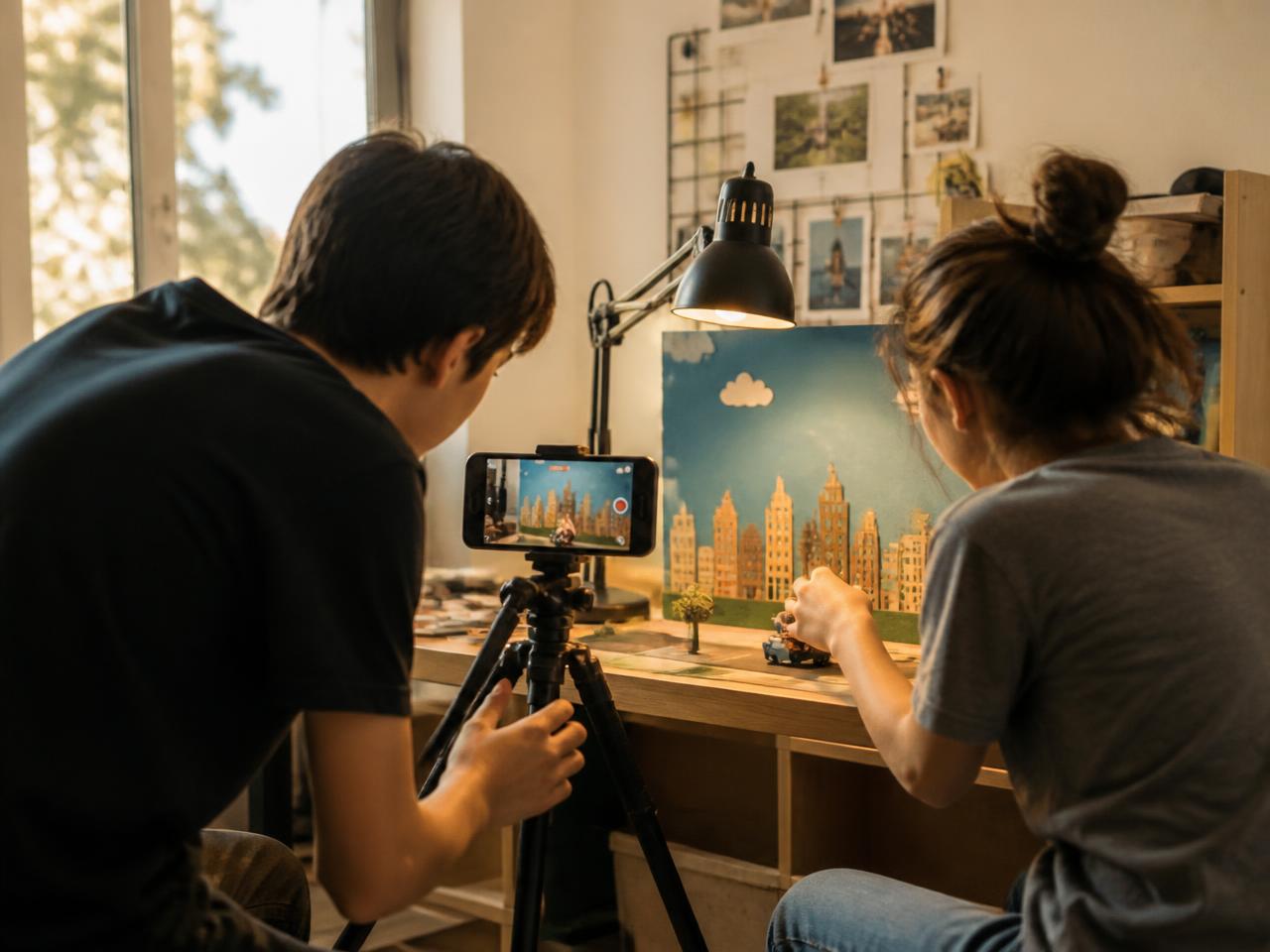
Two young people filming a stop-motion set with a phone on a tripod
Example · Film

Film

Storyboard, shoot and cut short films, with each stage kept as part of the project's history.

Example project flow: Idea: a one-minute film about their street → Storyboard draft → Shoot & cut → Feedback from a supervisor → Guardian approval.

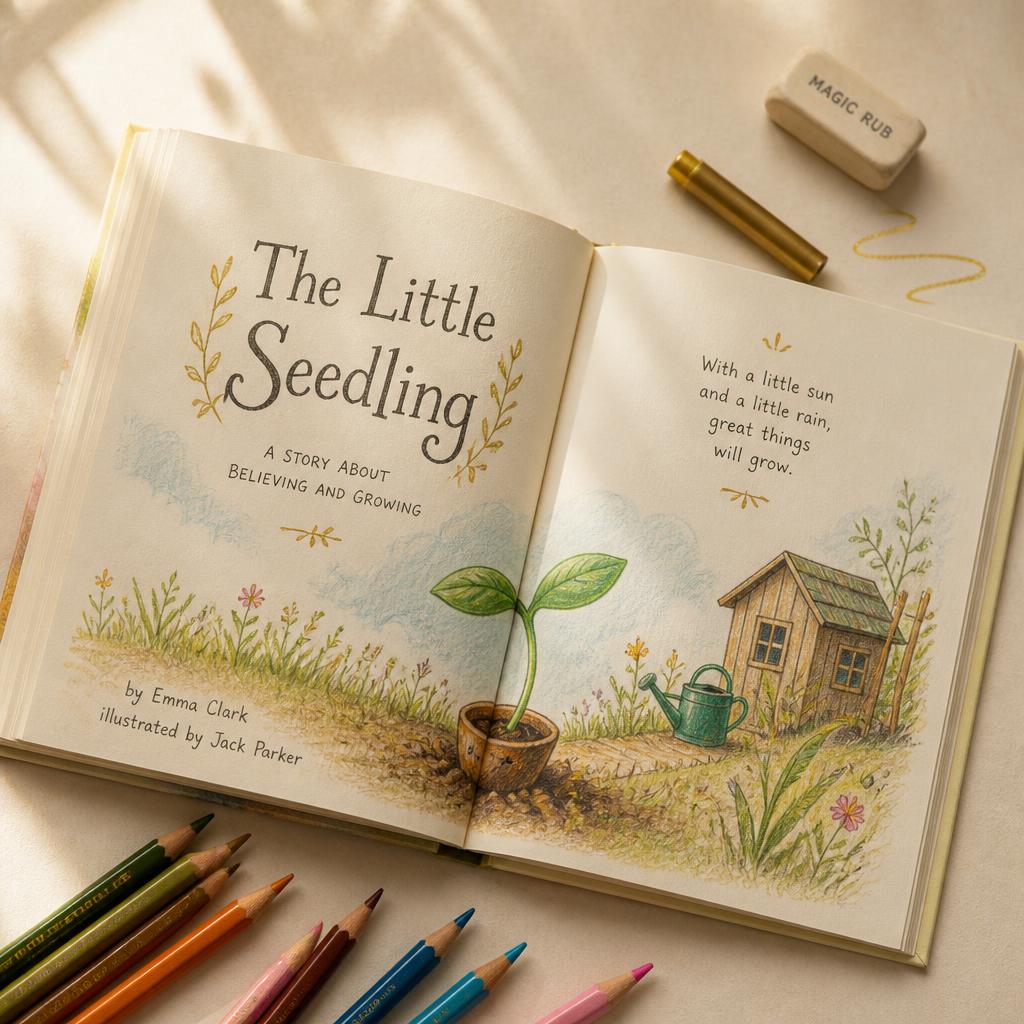
An illustrated storybook spread with hand lettering and coloured pencils
Example · Story & writing

Story & writing

Stories, scripts, journalism and poetry, drafted and redrafted with visible revision history.

Example project flow: Idea: a picture book for a younger sibling → First draft pages → Redraft & illustrate → Feedback → Guardian approval.

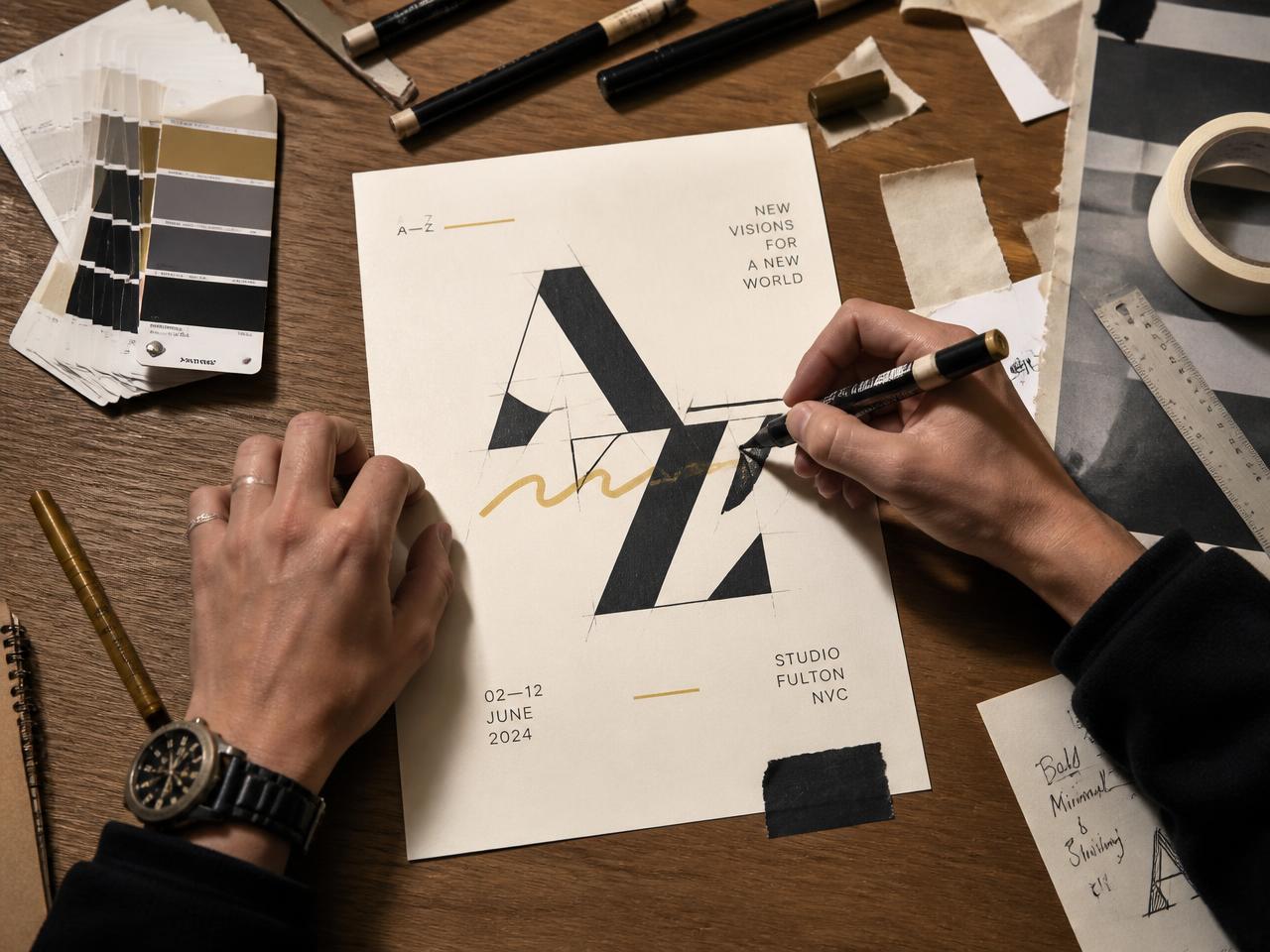
Hands sketching a poster design with markers, swatches and tape
Example · Art & design

Art & design

Digital and documented physical artwork and design, from first sketch to finished piece.

Example project flow: Idea: a poster for a cause they chose → Thumbnail sketches → Make the final piece → Feedback → Guardian approval.

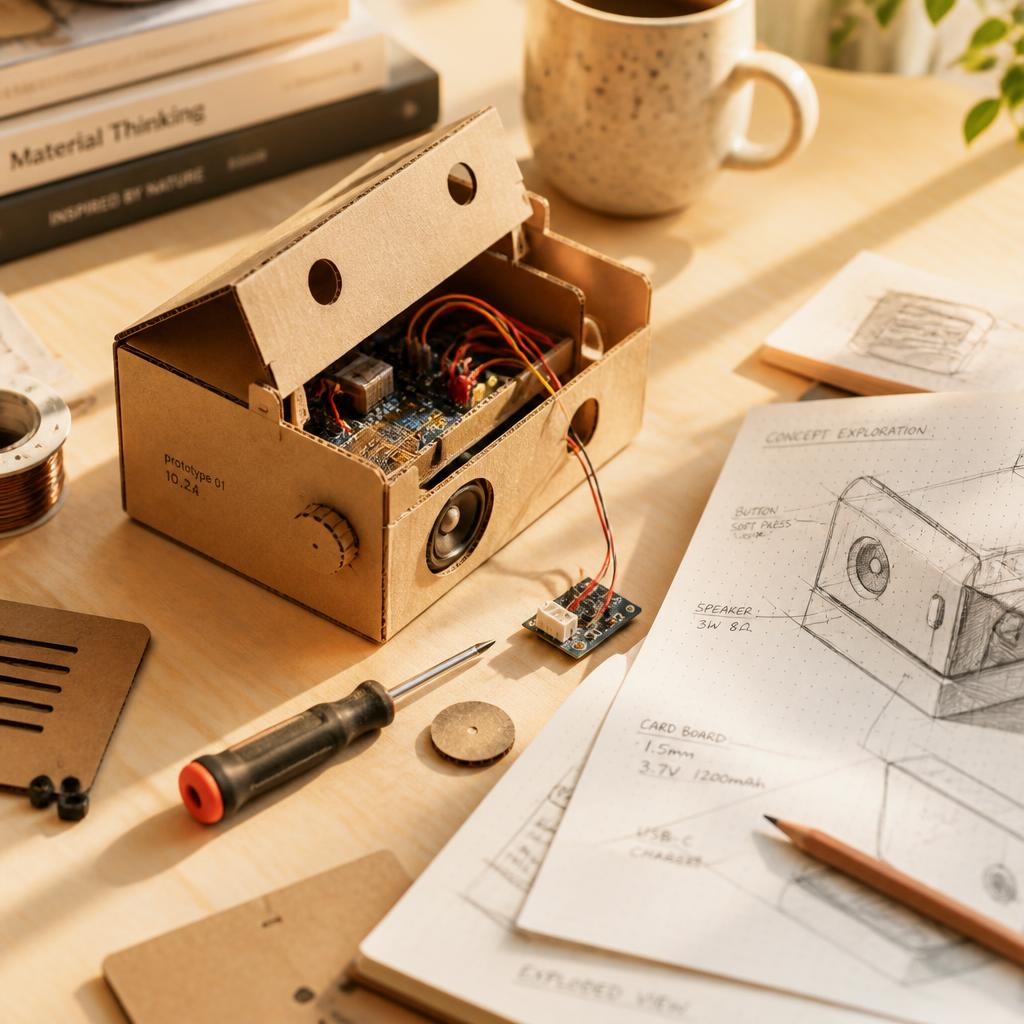
A cardboard and electronics prototype beside annotated design sketches
Example · Invention

Invention

Prototype physical or conceptual inventions and document the reasoning behind each choice.

Example project flow: Idea: fix one annoying thing at home → Sketch the mechanism → Build a prototype → Feedback → Guardian approval.

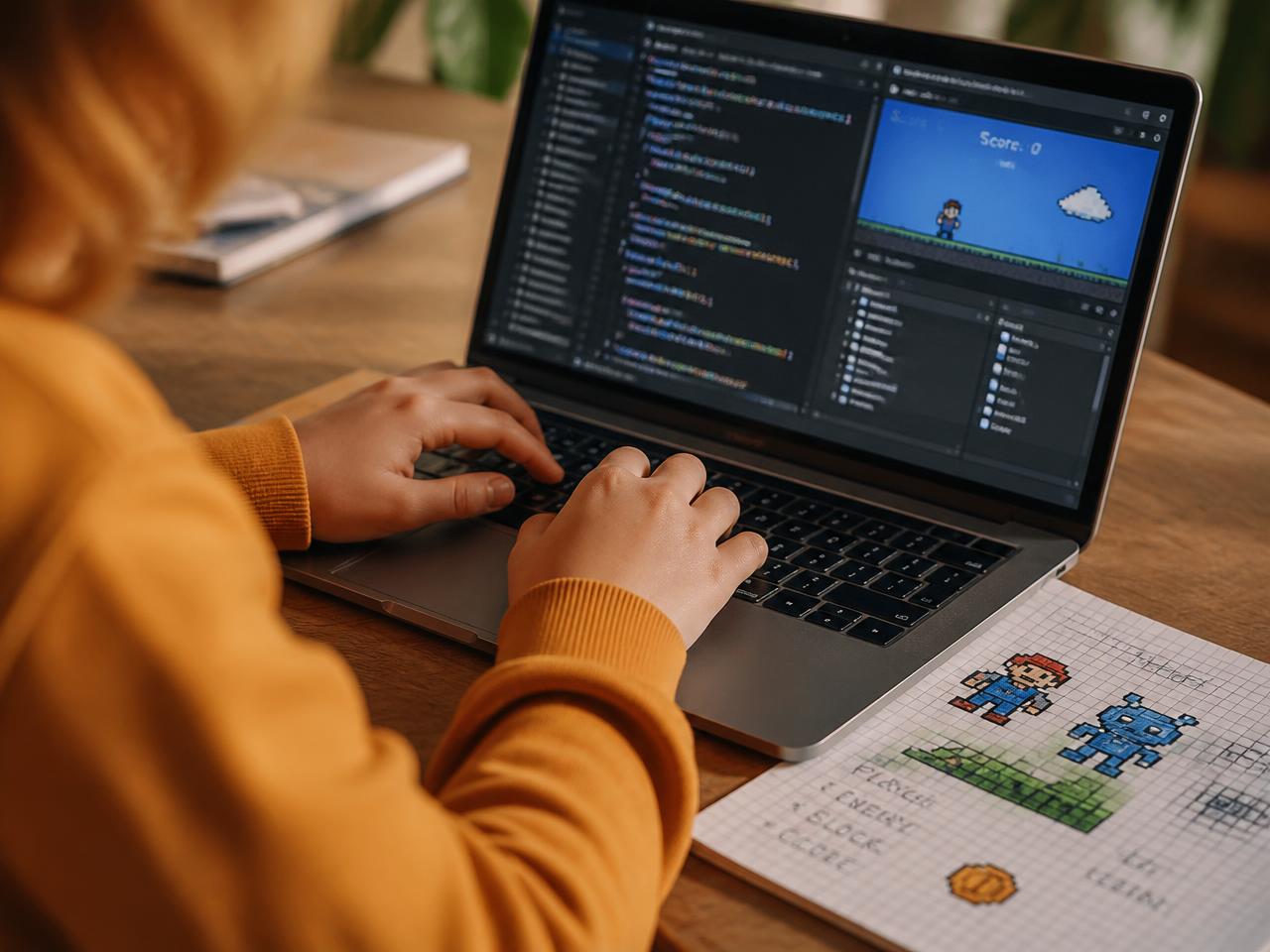
A young person coding a simple platform game beside pixel sketches on graph paper
Example · Game

Game

Design simple games and interactive projects, describing mechanics as well as building them.

Example project flow: Idea: a game built around one rule → Sketch mechanics on paper → Build & test → Feedback → Guardian approval.

All images and project descriptions above are illustrative examples created for Aurelia. They are not member work and do not depict identifiable people.

Drafting and iteration

Work is a process, not a single upload

Aurelia treats a finished piece as the end of a visible process rather than something that appears fully formed. Every project keeps its earlier drafts, so a young person — and the adults supporting them — can see how the work developed.

This matters for two reasons. First, it is how genuine skill is demonstrated: a teacher verifying an achievement can see the thinking, not just the outcome. Second, it protects children from the pressure to publish something polished immediately — drafts are private to the project by default, and nothing leaves the family without explicit guardian approval.

  • Earlier versions of a project remain attached rather than being overwritten.
  • Projects can be paused and returned to over weeks or months.
  • Private drafting space is separate from anything visible to guardians or teachers.
  • A project's history forms part of the evidence behind a verified achievement.

Illustrative example

Episode plan, take three

A running order, a recorded take, feedback from a parent, and a revised edit — all attached to the same project.

Not every take makes the final cut, and that's fine — the earlier ones stay attached so the project shows real iteration, not just a finished file.

Sound, structured

Podcasting and audio, built for iteration

Audio projects in the studio keep every take, script revision and running order alongside the finished episode, so the process of making something heard stays visible.

Constructive feedback

Comments that help the work improve

Feedback in the studio comes from named adults with a real relationship to the child — a parent, a teacher, or a named club supervisor — not from open comment sections or anonymous strangers.

Attached to the project

Comments sit alongside the specific draft they refer to, so feedback is always concrete and easy to act on.

From known adults only

There is no open commenting from strangers. Feedback comes from people the family or school has already recognised as responsible for that child.

Focused on improvement

The purpose of feedback is to help a project get better, not to rank, score or compare it publicly against other children's work.

A maker's note

What we ask every young maker to keep

Keep the messy version. Say why you changed it. Ask someone you trust what they think before you ask everyone. That's the whole method — illustrative, not an actual member's note.

From private draft to published piece

Sharing is a decision, not a default

Everything a child makes starts private to them. Publishing is a specific request they choose to make, and it travels through safety checks and adult approval before anything appears anywhere.

  1. 01

    Private idea and draft

    The project lives in the child's own space. Nobody else sees it while it is being made.

  2. 02

    Uploads land in quarantine

    Any file a child uploads goes into a private holding area first. It is not visible or shareable from there.

  3. 03

    Scans and sanitisation

    Quarantined media is scanned and sanitised — stripping embedded data such as location before anything can move on.

  4. 04

    The child requests publication

    The child chooses a specific piece and a specific audience — a class, a club, a challenge. There is no blanket 'make public'.

  5. 05

    Required adult and safety approvals

    The request needs the approvals that apply to it — guardian, and where relevant school or safety review — before it can proceed.

  6. 06

    A publication derivative is what appears

    What the approved audience sees is a prepared publication copy. The original file and the project's private drafts are never made public.

  • Private by default: only the child can see a project while it is in draft.
  • Publication targets are bounded — a class, a club, a challenge — never an open public feed.
  • Original uploads stay private; only an approved derivative is ever shown.
  • Approval and publication events are recorded, so families and schools can see what has been shared and when.

Find the first thing to make

Pick a starter idea, or come in through a verified parent, guardian or school invitation. Work made here can become a verified achievement, a challenge entry or a club contribution.