Ideas & Resources

Somewhere to start on a wet Tuesday

Open project starters, family guides and educator templates. Free to read, no account needed, no sign-in wall. Use them inside Aurelia, in a classroom, or at the kitchen table.

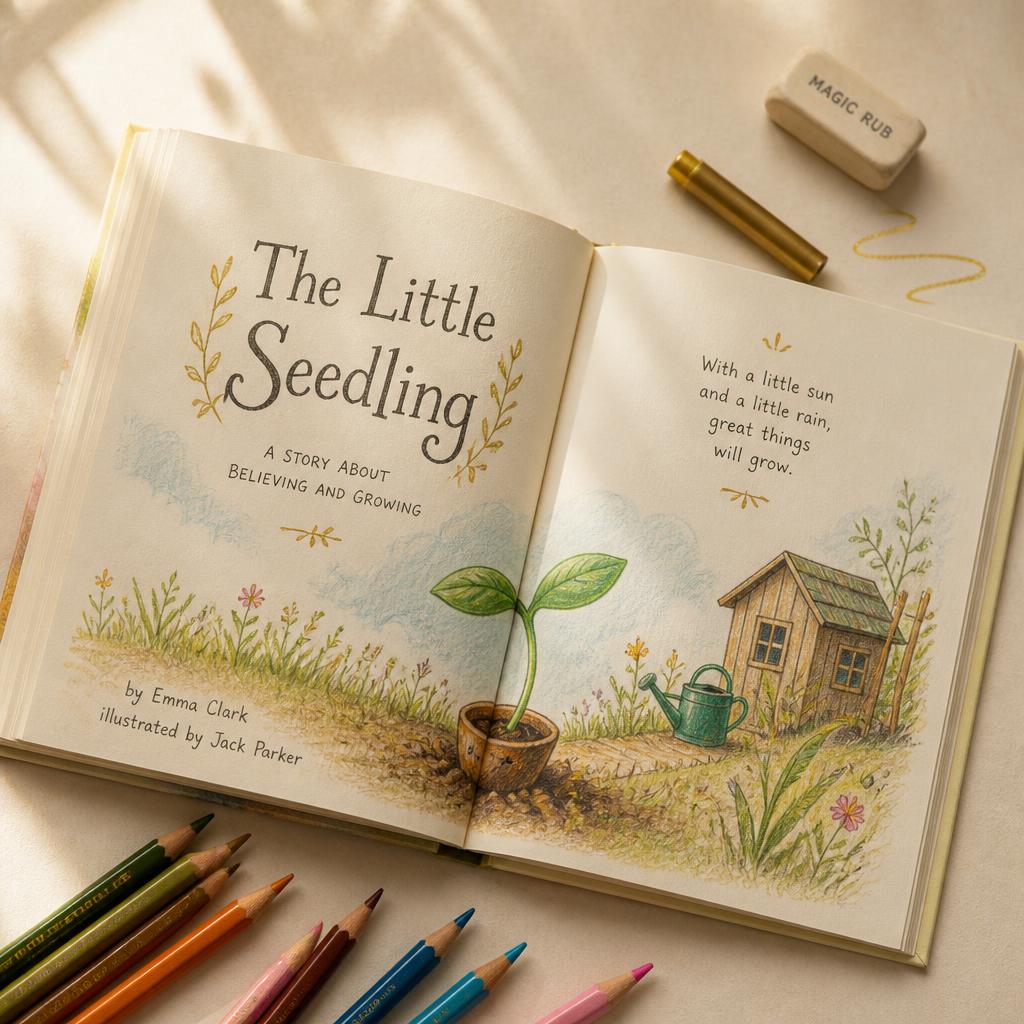
An illustrated storybook spread with coloured pencils on a warm ivory desk
Example · Story
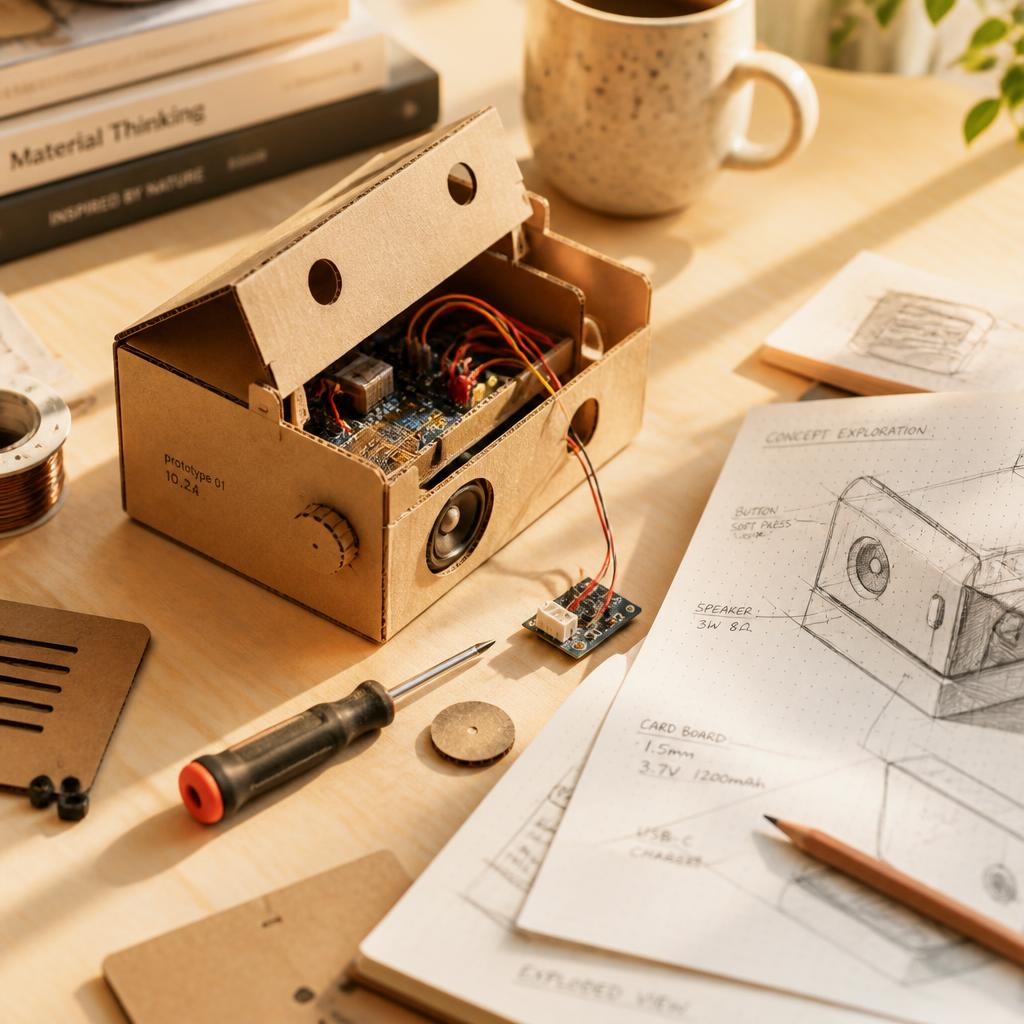
A half-built cardboard and electronics prototype beside annotated design sketches
Example · Invention
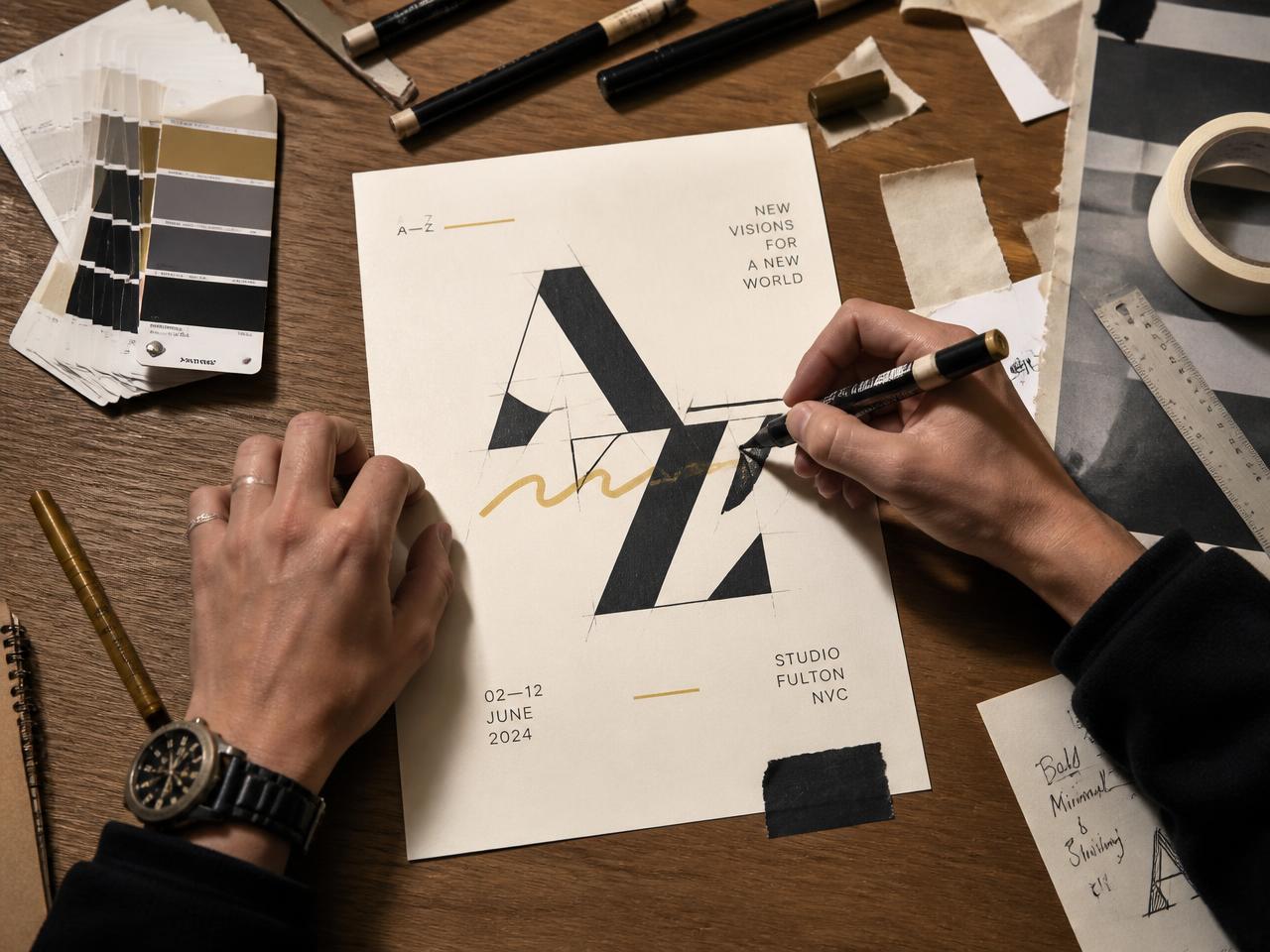
Hands sketching a poster design with markers, colour swatches and tape on a desk
Example · Design

Illustrative examples of the kinds of work these starters lead to. Not member work.

Explore by interest

Start with what they already love

Interest-led, not algorithm-led. Nothing here learns from a child's behaviour or ranks them against anyone.

Project starters

Twelve ways in

Each starter is a small, finishable project with an evidence trail — the kind of work a teacher can later verify and a Passport can hold.

Age band
Interest

Showing 12 of 12 starters.

Podcast
9–12
13–15

The three questions podcast

Plan and record a short episode built around three good questions on a subject the young person genuinely cares about.

  1. 01Choose a subject and write three questions you cannot answer in one word.
  2. 02Draft a 60-second opening in your own voice.
  3. 03Record, listen back once, and note two things to improve.
  4. 04Record the improved take and write a one-line episode description.

Evidence to keep: Script draft, first take, final take and a short reflection on what changed.

Podcast
Under 9
9–12

A sound map of our week

Collect everyday sounds at home or school and arrange them into a short audio portrait of a week.

  1. 01List ten sounds that describe your week.
  2. 02Record five of them with an adult present.
  3. 03Order them into a story with a beginning and an end.
  4. 04Add a sentence of narration to each.

Evidence to keep: Sound list, recordings and the ordered final piece.

Story
9–12
13–15

The object that remembers

Write a short story told from the point of view of an ordinary object that has watched something change.

  1. 01Pick an object older than you are.
  2. 02Write half a page of what it has seen.
  3. 03Redraft with one detail removed and one added.
  4. 04Read it aloud and mark the sentences that sound wrong.

Evidence to keep: First draft, redraft and the read-aloud notes.

Story
Under 9
9–12

A picture book for someone smaller

Make an eight-page picture book written specifically for a younger child you know.

  1. 01Fold and number eight pages.
  2. 02Write one sentence per page before drawing anything.
  3. 03Illustrate the two most important pages first.
  4. 04Test it by reading it aloud to the reader it is for.

Evidence to keep: Page plan, illustrations and a note on how the reading went.

Film
9–12
13–15

Sixty seconds, one place

Film a one-minute portrait of a single place using no more than eight shots.

  1. 01Draw an eight-box storyboard.
  2. 02Film each shot twice, holding steady for five seconds.
  3. 03Edit to sixty seconds exactly.
  4. 04Add one sound layer that is not music.

Evidence to keep: Storyboard, raw shots and the finished cut.

Art
Under 9
9–12
13–15

One hundred marks

Fill a page with one hundred different marks, then build a finished artwork from the five best.

  1. 01Make one hundred marks with at least three tools.
  2. 02Circle the five that feel most like you.
  3. 03Build one composition using only those five.
  4. 04Write two sentences on why you chose them.

Evidence to keep: The mark sheet, the composition and the written choice.

Invention
9–12
13–15

Fix one small annoying problem

Identify a genuinely small everyday problem and prototype three possible fixes from household materials.

  1. 01Watch one routine closely and write down what goes wrong.
  2. 02Sketch three different fixes.
  3. 03Build the roughest one first from card and tape.
  4. 04Test it, note the failure, and rebuild once.

Evidence to keep: Problem notes, sketches, prototype photos and the failure log.

Invention
9–12
13–15

Measure something nobody measures

Design a simple, repeatable way to measure an everyday thing and record a week of results.

  1. 01Choose what to measure and define the unit.
  2. 02Design a method you can repeat identically.
  3. 03Record results for seven days.
  4. 04Chart the results and say what surprised you.

Evidence to keep: Method description, raw results table and the chart.

Coding & game
9–12
13–15

A game with exactly one rule

Design and build the smallest playable game you can, governed by a single rule.

  1. 01Write the one rule in a single sentence.
  2. 02Build the smallest version that is playable.
  3. 03Watch someone else play without helping them.
  4. 04Change one thing and test again.

Evidence to keep: Rule statement, build versions and playtest notes.

Coding & game
Under 9
9–12

Paper prototype first

Prototype a game on paper before writing any code, so the idea is tested before the build.

  1. 01Draw the board, the pieces and the goal.
  2. 02Play it twice with someone at home.
  3. 03Cut one thing that is not fun.
  4. 04Only then plan how it could be built digitally.

Evidence to keep: Paper prototype, play notes and the digital plan.

Social impact
9–12
13–15

One local question

Research a real question about your local area and turn the findings into something other people can use.

  1. 01Write the question so it can actually be answered.
  2. 02Gather evidence from at least two sources.
  3. 03Decide who the answer is useful to.
  4. 04Make a poster, guide or short film for that audience.

Evidence to keep: Question, sources, audience decision and the final artefact.

Social impact
Under 9
9–12
13–15

Redesign one thing to be kinder

Take something ordinary that excludes someone and redesign it so more people can use it.

  1. 01Find one thing that is hard for someone you know to use.
  2. 02Ask them what actually makes it hard.
  3. 03Sketch a version that removes that barrier.
  4. 04Show them the sketch and change it once.

Evidence to keep: Interview notes, sketches and the revised design.
Guides for the adults

Practical help for families and educators

Short, usable guidance written for the people who sit beside young makers — plus static brief templates educators can adapt.

Resource type

Showing 8 of 8 resources. Everything here is an example resource written by Aurelia — never member or customer work.

Digital wellbeing · Families

Creation over consumption: a family guide

A short guide to shifting screen time from scrolling towards making, with pause points built into the habit rather than bolted on.

  • Agree what a finished thing looks like before starting.
  • Use a fixed making window rather than an open-ended session.
  • Close each session by naming one thing that improved.
  • Keep devices out of the room where the work is talked about.

Constructive feedback · Both

How to give constructive feedback to a young maker

A practical structure for feedback that improves the work without deflating the maker.

  • Describe what you actually see before you judge it.
  • Ask what they were trying to do — then respond to that.
  • Offer one change, not five.
  • End on the decision that was genuinely theirs.

Family guides · Families

What guardian approval actually involves

What a guardian is asked to review, what they see, and what deliberately stays private to the child.

  • You approve what leaves the family, not every private draft.
  • You can withdraw an approval later.
  • Approval requests explain who will see the work.
  • Nothing is shared beyond the family without an approval.

Educator briefs · Educators

Educator brief template: making with evidence

A static template you can adapt when setting a creative brief that will end in verified evidence. Example only — not a live submission form.

  • Outcome: what will exist at the end that does not exist now.
  • Constraint: the one limit that makes the work interesting.
  • Evidence: the drafts and decisions to keep along the way.
  • Verification: the specific skill an adult will be asked to confirm.

Educator briefs · Educators

Educator brief template: local impact project

An example brief structure for a project that leaves the classroom and serves a real audience.

  • Audience: who this is genuinely for.
  • Research: two sources minimum, recorded.
  • Artefact: the thing that audience receives.
  • Reflection: what the maker would change next time.

Family guides · Both

Building a portfolio a young person is proud of

How to help a young person select work for their Achievement Passport instead of hoarding everything.

  • Choose work that shows a decision, not just an outcome.
  • Keep the draft that shows the turning point.
  • Write one line on what was hard.
  • Let the young person make the final selection.

Project starters · Both

The one-page project planning worksheet

A worksheet concept a young maker can fill in on paper before they start, so the project has a finish line from day one. Example resource — nothing is submitted anywhere.

  • The thing I am making, in one sentence.
  • Who it is for, and why they would care.
  • Three steps, and which one I do first.
  • How I will know it is finished.
  • The drafts I will keep as evidence.

Digital wellbeing · Both

Using AI safely alongside a young maker

How to use assistance without handing over authorship, and the kinds of prompts that help a child think rather than think for them.

  • Ask for questions about the work, not a finished version of it.
  • Ask it to explain a technique, then do the technique yourself.
  • Never share a real name, school, address or photograph in a prompt.
  • Say out loud which parts were assisted — Aurelia labels authorship for the same reason.
  • If the answer sounds certain, check it against a second source.
A note on these templates. The educator briefs above are static examples to adapt in your own planning. They are not live submission forms, and nothing typed on this page is sent anywhere.

Resource library for schools

Built to fit around how your school already works

Everything in this hub is free to download, print and adapt. We are deliberately transparent about what is live today and what is direction of travel.

  • Live today: briefs, review, verification and safeguarding workflows inside Aurelia.
  • Integration-ready architecture: a structured data model and role model designed so exports and integrations can be added deliberately.
  • Not claimed: we do not advertise LMS or MIS integrations. If your setting needs one, tell us and we will be straight with you about whether it exists.

Using these at home

You do not need an Aurelia account to use any of this. Pick one starter, set a finishing point, and keep the drafts. If the young person later joins Aurelia through a verified parent/guardian or school invitation, that evidence is exactly the kind of thing a Passport is built from.

Bring this into your classroom or kitchen

Aurelia is invitation-only for under-16s, sponsored by a verified parent/guardian or school. Tell us who you are and we will guide you through it.